
Booking and calendar
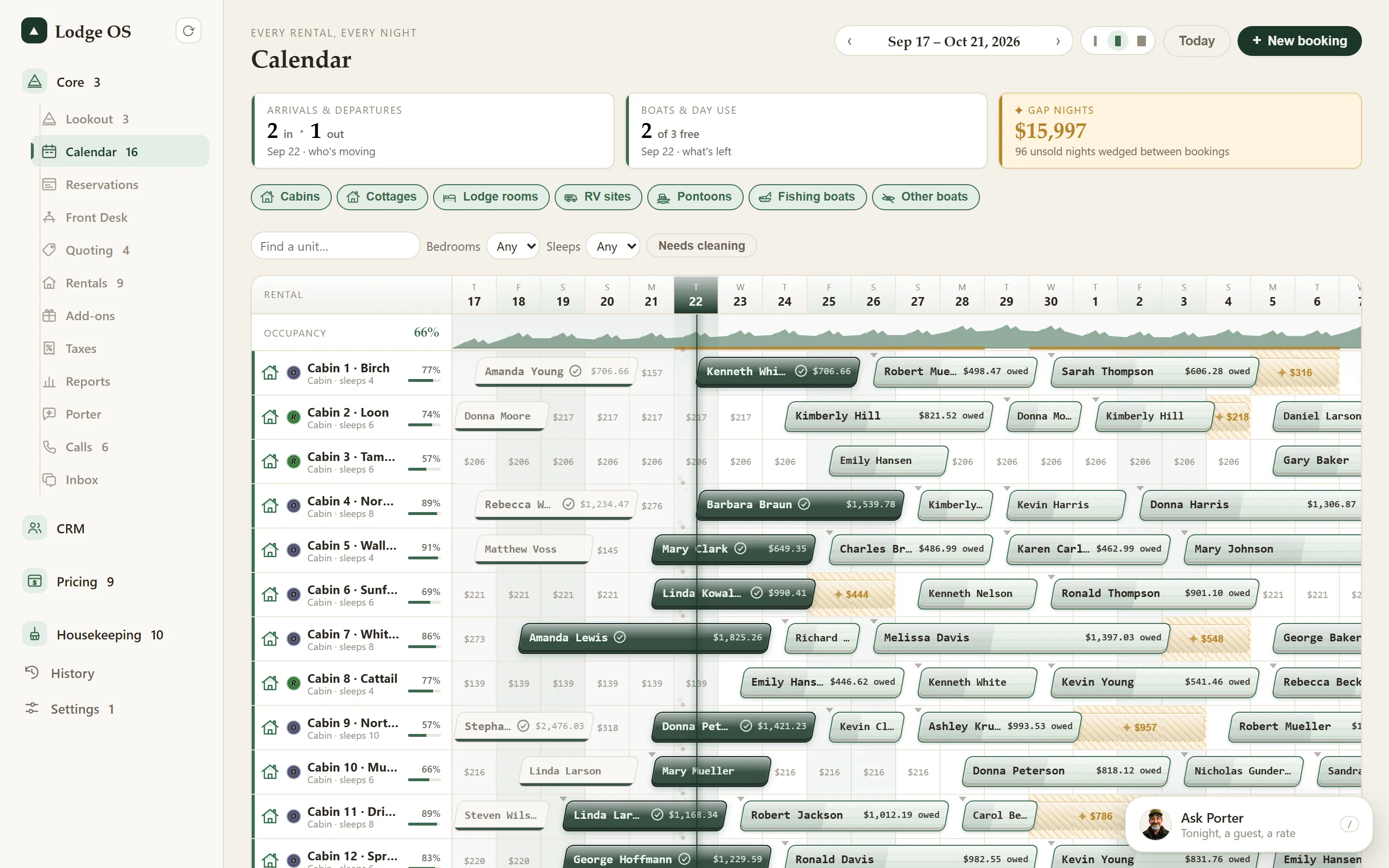
Guests book on your site. You see it on one calendar.
A booking page that lives on your own website, prices that include everything up front, and a calendar that shows you where the money is leaking.
Try the calendar.
Tap a gold night to fill it, a stay to see what each night was charged, or an open night to hold it. It runs in your browser, on a made-up resort with sample prices.
Loon Point Lodge made-up resort · sample prices · July
- Gap nights
- –
- Going unbooked
- –
- Filled
- $0
Tap a gold night to start. The calendar swipes sideways for the rest of the two weeks.
A booking page on your own site
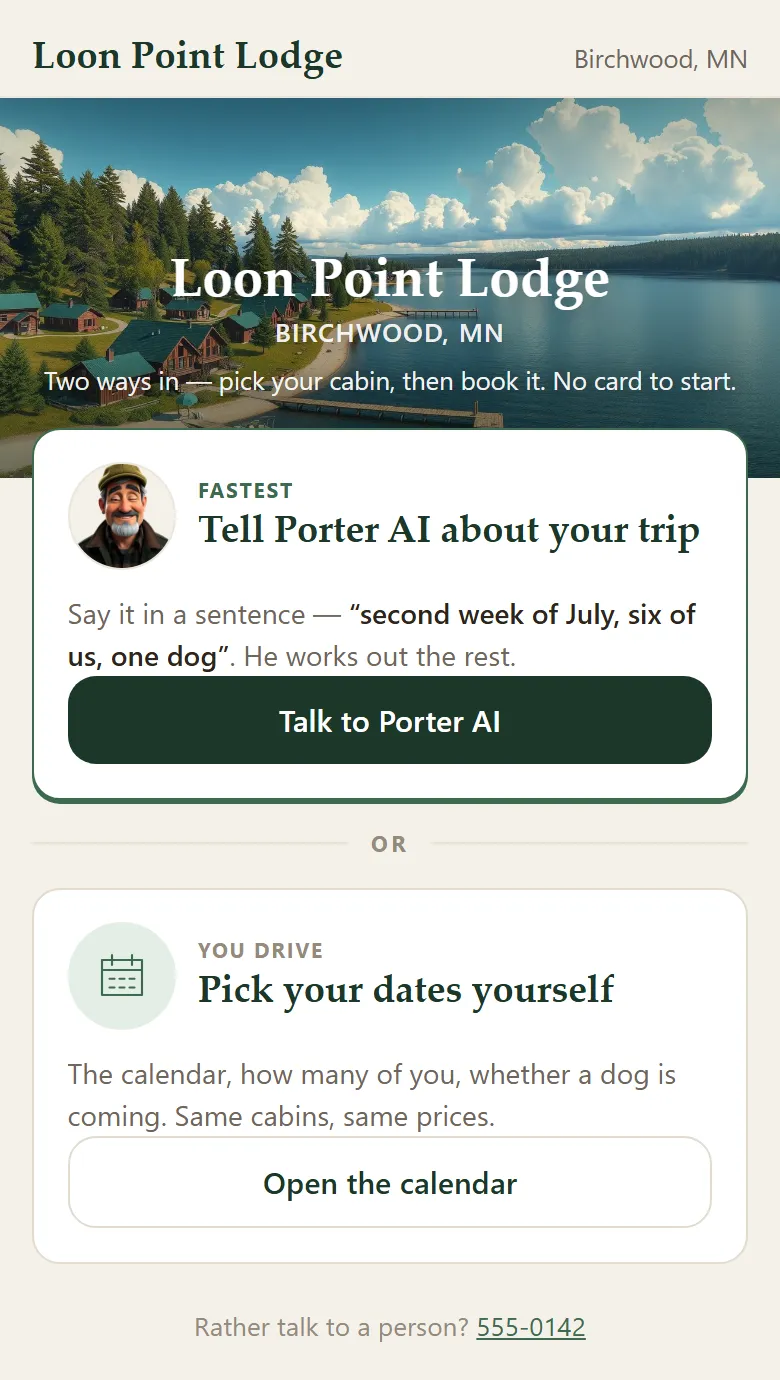
Guests pick dates, see what is open and book without leaving your website.
All-in prices, shown up front
The price a guest sees includes the taxes and fees. Every night is priced from your own rates, and a night with no rate is flagged instead of guessed.
Timed holds
Keep the dates for a guest while they decide. The hold counts down and lets go on its own, so a maybe never blocks a cabin forever.
Rates and seasons that roll forward
Set your seasons and rates once and roll them into next year, with a preview of what changes before you commit.
Gap nights, found for you
The empty night between two stays is lost money. LodgeOS finds those gaps on the calendar so you can fill them.
A price you can explain
Each booking keeps its per-night breakdown: the rate, the season and the tax for every night. Nobody has to wonder how a total was made.
Part of one platform
See it on a working resort.
Thirty minutes on a video call. Bring your questions.